
 604-687-4211


2025
What To Check When Storing Electronics In A Vancouver Self-Storage Unit
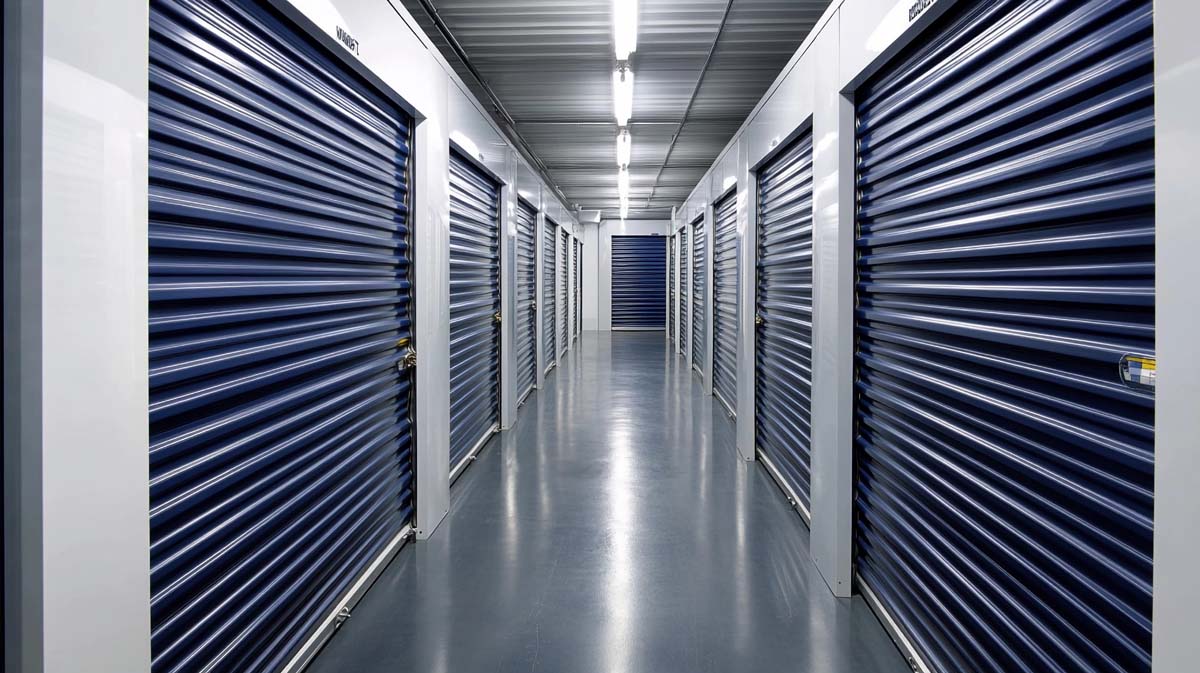
Vancouver is famous for its breathtaking coastal views, but those same scenic surroundings bring a level of humidity and dampness that can be a silent killer for sensitive electronics.
Whether you are moving between condos in Mount Pleasant or clearing out office space near Science World, understanding what to check when storing electronics in a Vancouver self-storage unit is the difference between a working device and a paperweight.
Evaluate The Climate Control Features Of Your Storage Facility
The first and most critical step is ensuring the environment itself is suitable for high-end circuitry. Standard storage might work for plastic bins of clothing, but electronics require a stable environment where temperature and humidity are strictly regulated.
In a city like Vancouver, where it can be pouring rain on Terminal Avenue one hour and sunny the next, these outdoor fluctuations can cause condensation to form inside your devices. Condensation leads to short circuits the moment you try to power the device back on after retrieval.
Climate control acts as a shield against the heavy moisture levels common in the False Creek area. By maintaining a consistent temperature, the facility prevents the expansion and contraction of delicate internal parts.
This is especially important for items like flat-screen televisions, computer motherboards, and high-fidelity speakers. If the air is too humid, metal components can oxidize. If it is too dry, static electricity becomes a risk. A balanced, climate-controlled unit provides the middle ground necessary for long-term preservation.
Consider these environmental factors before signing a lease:
- Humidity levels should ideally stay around 50 percent to prevent both mold and static.
- Temperature consistency prevents the glue in vintage electronics from drying out and cracking.
- Airflow within the facility helps prevent the stagnant, damp air that leads to "musty" electronics.
- Interior access units provide an extra layer of insulation against the Vancouver wind and rain.
Prepare Your Hardware For Long Term Dormancy
You cannot simply turn off a computer and expect it to be fine after six months of sitting still. Proper preparation starts with deep cleaning and fluid management. Dust is hygroscopic, meaning it actually pulls moisture out of the air.
If your gaming console or PC tower is full of dust when it goes into storage, that dust will hold onto the Vancouver humidity and sit directly against your circuit boards. Use compressed air to blow out every vent and crevice before you even think about packing the item away.
Furthermore, any device with a battery or a liquid component requires special attention. Batteries can leak or swell over time, releasing corrosive acid that destroys everything it touches. For any device where the battery is removable, such as cameras or older laptops, take them out and store them separately in a cool, dry place.
For liquid-cooled PCs, you must drain the coolant entirely. Leaving liquid inside a unit during a Vancouver winter is a recipe for disaster if temperatures dip or if a seal fails over time.
Follow this preparation checklist for every device:
- Remove all physical media like discs, tapes, or SD cards from their drives.
- Unplug all cables and wrap them individually to prevent tangling and port tension.
- Use microfiber cloths to wipe down screens and remove skin oils that can etch into coatings.
- Document the current working condition and take photos for insurance purposes.
Use Specialized Packing Materials To Block Moisture And Static
Standard cardboard boxes are actually quite porous and can absorb moisture from the air, which then transfers to the contents inside. When you are looking at what to check when storing electronics in a Vancouver self-storage unit, your packing materials are your primary line of defense.
Ideally, you should use the original manufacturer packaging. Those boxes were engineered specifically to protect that exact device during shipping and storage, often including custom-molded foam that prevents any movement.
If you no longer have the original boxes, invest in high-quality anti-static bags for smaller components. For larger items like monitors or printers, wrap them in breathable cotton sheets rather than plastic wrap. Plastic can trap moisture against the device, creating a miniature greenhouse effect that accelerates corrosion.
Once wrapped, place the items in heavy-duty plastic bins with airtight seals or double-walled cardboard boxes. Adding silica gel packets to these containers is a pro tip for anyone living in the Pacific Northwest, as they will actively suck up any residual moisture that gets trapped inside during the packing process.
Keep these packing tips in mind:
- Never use newspaper for wrapping as the ink can rub off and damage screens or plastic casings.
- Avoid bubble wrap directly against screens; use a soft cloth layer first.
- Label every box as "Fragile" and "Electronics" on multiple sides.
- Place silica gel desiccant packs in every box to fight the coastal dampness.
Organize Your Unit To Maximize Airflow And Safety
How you arrange your electronics inside the unit at Storage on Terminal is just as important as how you pack them.
One of the biggest mistakes people make is placing electronics directly on the concrete floor. Concrete is porous and can wick moisture up from the ground, especially during heavy Vancouver rainstorms. Always use pallets, shelving units, or even a layer of heavy-duty plastic sheeting to create a barrier between your gear and the floor. This also protects your items in the unlikely event of a minor leak or spill in an adjacent unit.
Stacking is another area where things go wrong. Never place heavy items on top of boxes containing electronics. The pressure can crack screens or warp casings over time. Instead, utilize vertical space by installing freestanding shelving. This allows you to keep your electronics at eye level where air circulates better and they are easier to inspect.
It also prevents the "domino effect" where one shifting box ruins an entire collection of tech. By keeping your most valuable gear toward the back of the unit, you also add an extra layer of security and protection from the dust of the hallway.
Implement these layout strategies for a safer storage experience:
- Use wooden pallets to keep all boxes at least four inches off the ground.
- Leave a small gap between your boxes and the walls of the unit to encourage airflow.
- Store screens in an upright position rather than laying them flat to prevent pressure damage.
- Place the heaviest items at the bottom of your shelving units to maintain stability.
Protect Your Digital Assets And Physical Gear For The Future
Taking the time to properly audit what to check when storing electronics in a Vancouver self-storage unit ensures that your technology remains a tool rather than a liability. Vancouver is a tech-forward city, and we know how much value is stored in your hardware and the data it contains.
By choosing a facility that prioritizes climate stability and by following professional packing standards, you are effectively pausing the clock on your equipment's lifespan.
Choose a storage unit ranging from several sizes of storage units ranging from our mini storage units up to our large container units with the best self storage unit value in the downtown core of Vancouver.


